Udhar Khata Format: A Simple Template (and Why It's Worth Going Digital)
By Pranit Muttha, Founder & CEO · 29 July 2026 · 5 min read
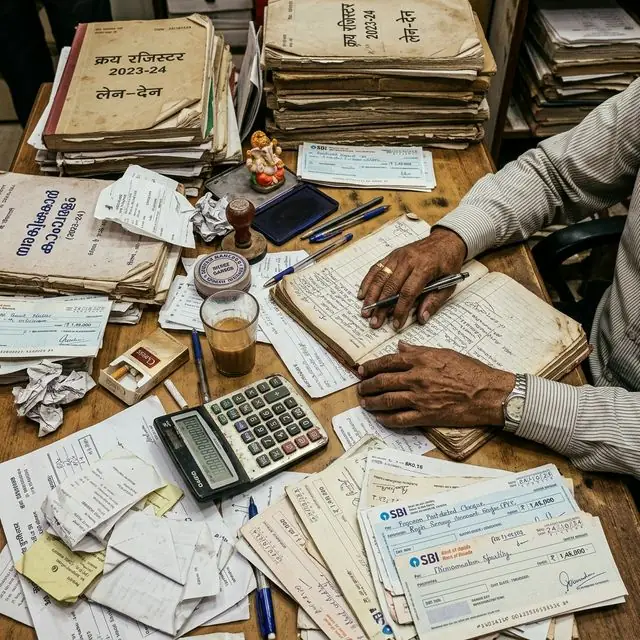
What Every Udhar Khata Needs — On Paper or Otherwise
A good udhar khata format is simpler than most people make it. Whether you are ruling a fresh page in a register or setting up a spreadsheet, the same core columns work for almost any shop: date, party name, description (what was given or received), amount given (udhar), amount received (payment), and running balance.
A Simple Udhar Khata Format You Can Copy Today
- Date — the day of the transaction, never skipped.
- Party Name — one page or sheet per customer, not mixed together.
- Particulars — what the entry is for (goods given, cash received, adjustment).
- Udhar (Dr) — amount the customer now owes.
- Jama (Cr) — amount the customer paid back.
- Balance — running total after each entry, calculated immediately.
The single biggest mistake shopkeepers make with this format — on paper or in Excel — is skipping the running balance column and only totalling at month-end. That is exactly when small errors compound into a figure nobody can explain.
Excel or Google Sheets Version
If you prefer a spreadsheet over a register, the same six columns work — with one addition worth making: a formula that calculates the running balance automatically (=previous balance + Udhar − Jama), so you never carry forward a manual mistake. Keep one sheet per party, or one sheet with a party-name column and a filter, depending on how many customers you track.

What Changes When You Take This Digital
A paper or Excel udhar khata works until three things happen: your customer count grows past what you can scan at a glance, more than one person needs to add entries, or you need to check a balance while you are not at the shop. A digital party khata keeps exactly the same fields — date, party, udhar, jama, balance — but calculates the balance instantly, works from any phone, and keeps a dated history you can search instead of flip through.
It also solves the one thing no paper format can: proof. Every entry is timestamped, and with an audit log you can see exactly who added or edited it — useful the day a customer disputes a balance. For the fuller case on recovering pending balances once they are logged, see our udhar recovery guide.
Which Format Should You Use?
- Just starting out, under 20 customers: a paper register with the six-column format above works fine.
- Comfortable with Excel, 20–50 customers: a spreadsheet with an auto-balance formula saves time.
- Growing past 50 customers, or adding staff: a digital khata app removes the manual work and adds backup, search, and multi-user access — see how it works for a kirana store or a cloth shop.
Set Up Your Digital Udhar Khata Free — Same simple format, automatic balances. 30-day free trial, no credit card.